On this page
A home medical alert system combines equipment with a subscription that connects a help request to a response center. The monthly fee answers only part of the cost question. A separate device purchase, a fall-detection button, shipping or a missed equipment return can change what the household pays.
The prices below are named providers’ published offers checked in October 2026, rather than a national average. Separate a home console from a mobile wearable: a less expensive device that stays within range of a base station does not provide the same service away from home.
Key figures
- $27.95 Bay Alarm Medical SOS Home Landline, monthly
- $34.95 Bay Alarm Medical SOS Home Cellular, monthly
- $569.40 Bay Alarm Medical fall detection, twelve months with button
Published home plans start at $27.95 per month
Bay Alarm Medical’s pricing page lists a landline home plan at $27.95 per month. Its standard cellular home plan is $34.95. Both list the console as leased equipment without an initial purchase fee, with return required when service ends. Free equipment in that arrangement means a loan tied to service, rather than ownership.
| Published Bay Alarm offer | Monthly service | Listed initial equipment charge | Twelve paid months plus that equipment |
|---|---|---|---|
| SOS Home Landline | $27.95 | $0, leased console | $335.40 |
| SOS Home Cellular | $34.95 | $0, leased console | $419.40 |
| SOS Home Cellular with fall detection | $44.95 | $30 fall-detection button | $569.40 |
| SOS All-in-One 2, standard monitoring | $34.95 | $89.40 promotional device price | $508.80 |
Source note: Bay Alarm Medical’s own pricing page, checked in October 2026. Totals assume twelve billed months at the displayed rate; they exclude taxes, separately charged shipping, add-ons and any free-month credit. The All-in-One device lists $149 before its displayed 40% discount. Promotions can change.
- SOS Home Landline$27.95
- SOS Home Cellular$34.95
- SOS Home Cellular with fall detection$44.95
- SOS All-in-One 2, standard monitoring$34.95
Source note: Bay Alarm Medical's own pricing page, checked in October 2026. Totals assume twelve billed months at the displayed rate; they exclude taxes, separately charged shipping, add-ons and any free-month credit. The All-in-One device lists $149 before its displayed 40% discount. Promotions can change.
The cellular home plan costs $7 more per month than landline, or $84 over twelve months. That difference does not include maintaining a telephone line. Someone buying a new landline solely for the alarm would need to add the telephone provider’s charge, while someone already keeping a compatible line may have no new phone expense.
Compare the plan names in a checkout quote with the table. A portable All-in-One device and a home cellular console have the same listed base monitoring fee here, but different equipment charges and charging arrangements. The word “cellular” alone does not establish that the device works away from its base station.
Fall detection adds a subscription and a button charge
The quoted home fall-detection option raises the cellular monitoring fee from $34.95 to $44.95 per month and adds $30 for the button. The extra cost in the first twelve paid months is therefore $150: $120 of higher monitoring and $30 for hardware. It is not simply a one-time $30 upgrade.
At unchanged rates, twenty-four paid months of that fall-detection plan plus the button would total $1,108.80. Standard cellular monitoring over the same period would total $838.80. These calculations exclude other charges and do not promise that a provider will hold today’s rate for two years.
Automatic detection also has limits. Bay Alarm’s guide says a person who can press the button should do so even if an automatic alarm has triggered. Ask how false alarms are handled and follow the device’s wearing instructions rather than assuming every fall, fainting episode or other emergency will be recognized.
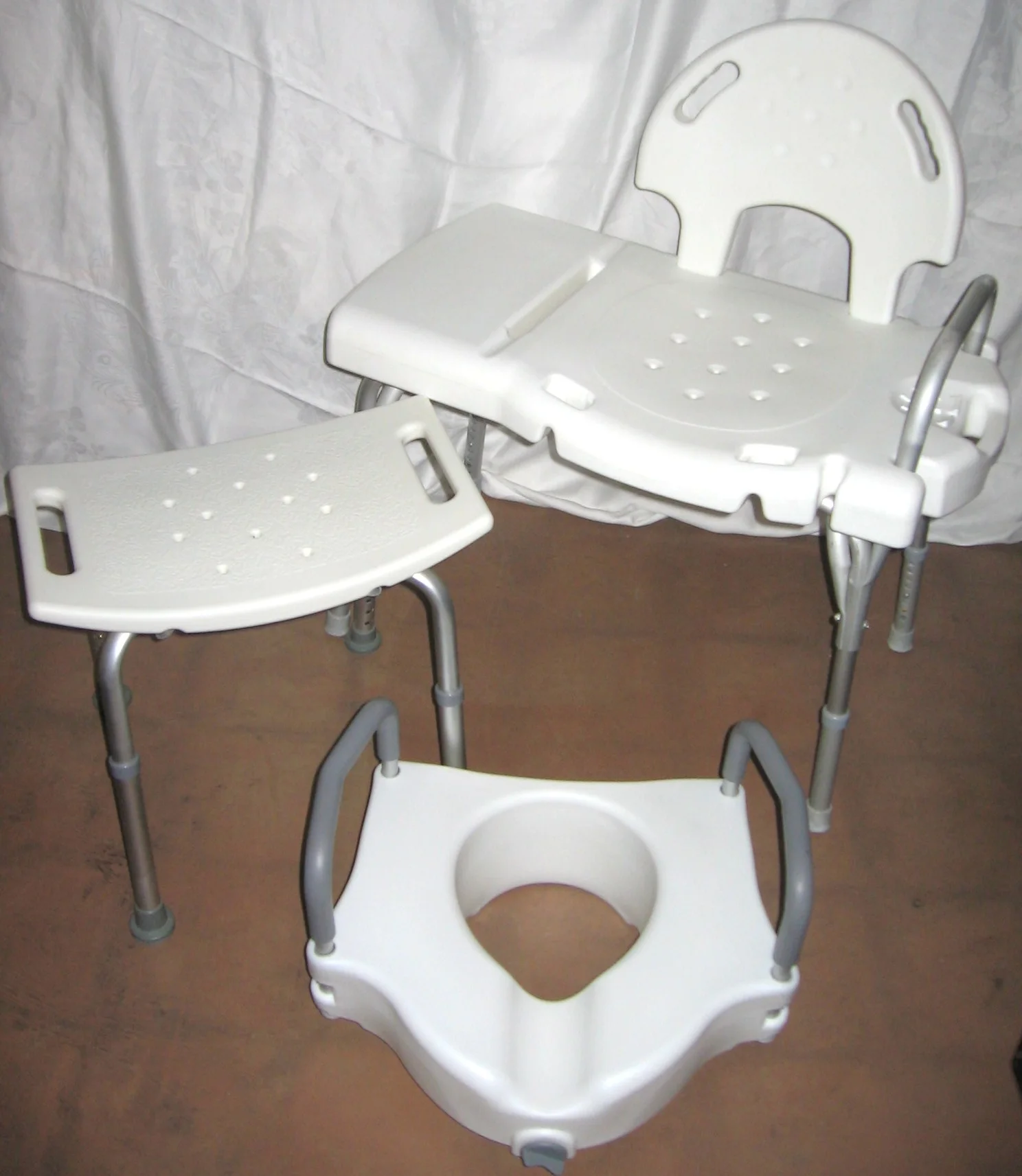
An alert can request help; it does not remove a bathroom barrier. The transfer-bench guide explains a different purchase, while the OT home-assessment guide separates assessment and follow-up fees from equipment spending.
Setup charges can outweigh a small monthly difference
Lifeline’s own FAQ advertises plans starting at $34.95 per month and identifies setup charges that include a $50 activation fee and $49.95 programming fee. Those two charges total $99.95. Confirm which offer, discounts and installation arrangements apply to the selected system before comparing its starting rate with a competitor’s subscription.
For arithmetic only, twelve months at $34.95 plus $99.95 of setup would total $519.35. That is not a quote for every Lifeline plan. Optional features, installation in eligible areas, equipment terms and discounts require their own line items. Two advertisements with the same monthly rate can still have different initial costs.
Ask whether a subscription renews monthly or bills several months together. An annual payment can change the date money leaves the account even when the advertised monthly equivalent looks familiar. Keep a free month or a temporary equipment discount separate until the order shows the household qualifies.
Connection testing establishes where the button works
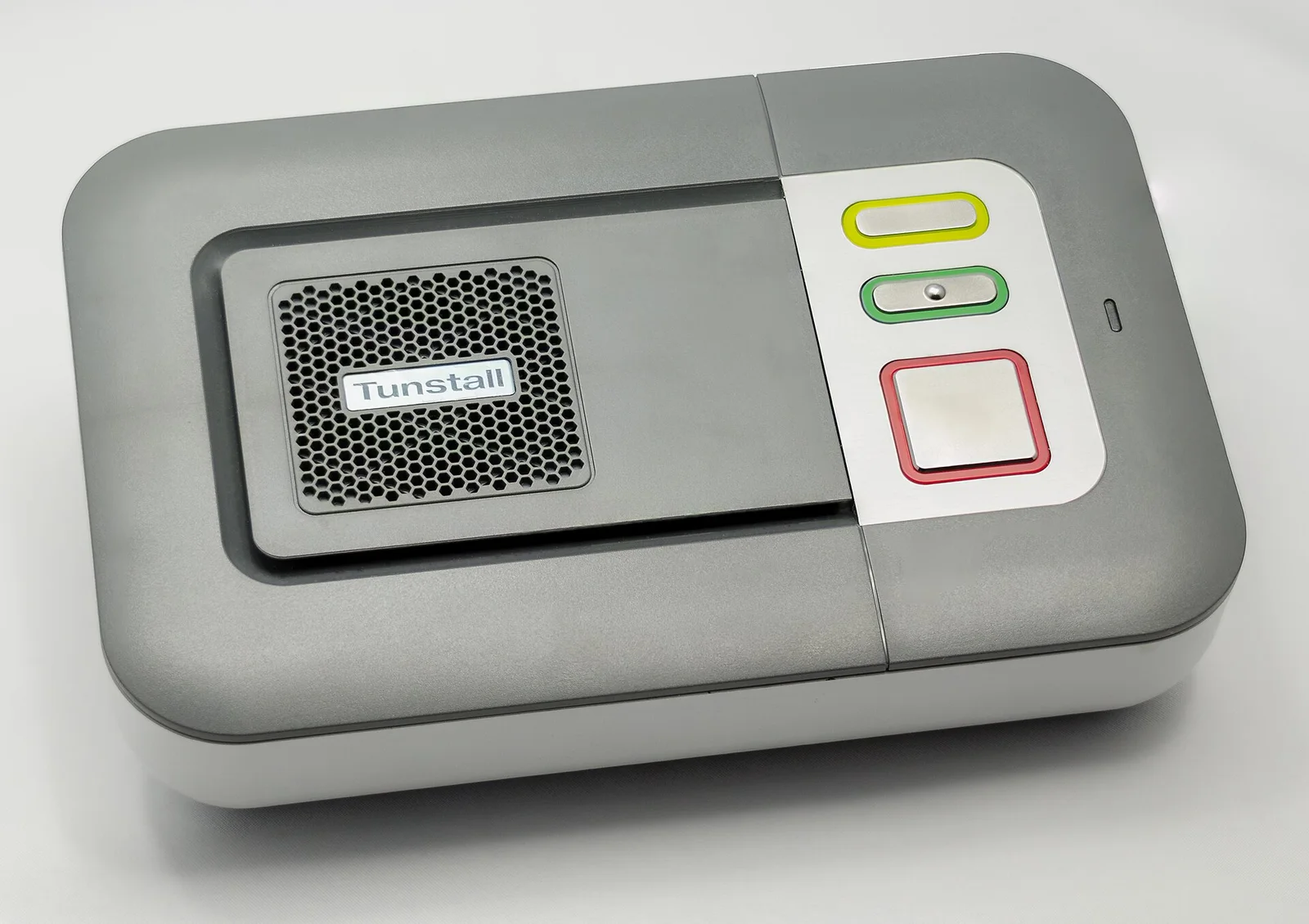
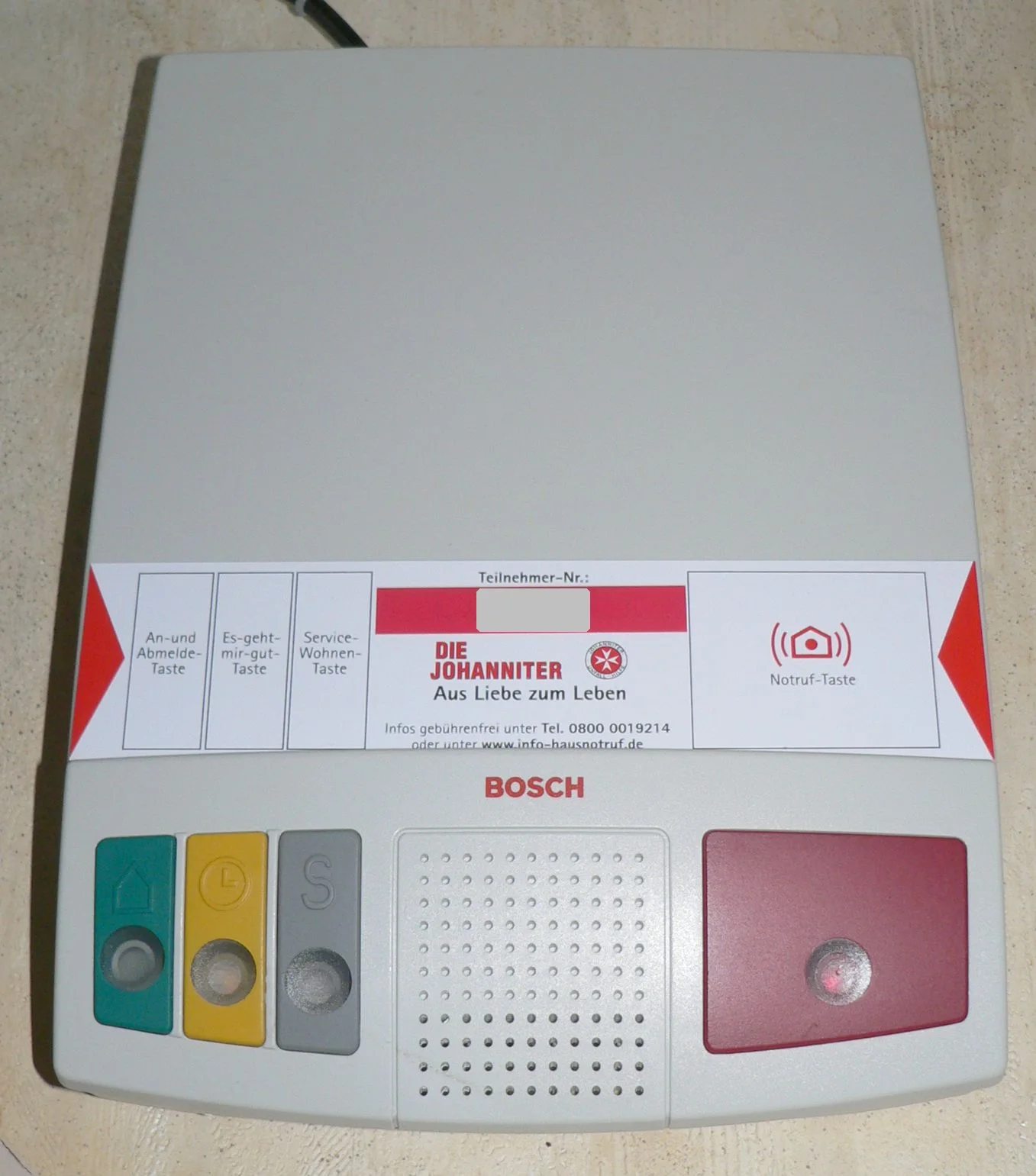
Bay Alarm’s home cellular guide places the console near a strong cellular signal and on an outlet that is not controlled by a wall switch. It describes testing each help button at different locations throughout the home and yard. A button that fails that test at a location will not summon help from there through the console.
That matters when the advertised range sounds generous. Walls, the console position and the layout determine the tested coverage at the address. Include the bathroom, bedroom and everyday route between rooms when following the provider’s testing procedure; do not assume a quoted distance is a guaranteed radius indoors.
The same guide recommends a device test once a month. Budget the practical work as well as the money: who checks operation, charges a portable unit, handles a fault and updates the emergency contacts? A subscription that is paid but a device that is unplugged or not worn cannot perform the role the family intended.
Discuss the person’s ability to use, wear and maintain the device with their care team. In an emergency, seek emergency help, including 911 when available; a subscription or automatic detector does not guarantee that every incident will be detected or replace medical care.
Trial and return terms affect cancellation costs
Bay Alarm’s pricing page describes a fifteen-day trial starting when the system arrives. It also describes refunding unused service months on cancellation, less shipping, subject to its terms. Read the ordered product’s device and return conditions before treating cancellation as a refund of every payment.
For leased home equipment, keep the serial information, packaging instructions and proof of return. Ask when billing stops, where to send the system and what happens to separately purchased buttons. A canceled subscription and an unreturned console are separate issues.
Compare the emergency-contact process, how the response center reaches the user and arrangements for responders to enter. A lockbox, extra wall button or mobile plan can each add cost. The door-hardware guide covers access and operation at the door; access changes should preserve privacy and emergency exit rather than relying only on a monitoring subscription.
Questions people ask
What does the least expensive cited home plan cost for a year?
Bay Alarm's listed $27.95 landline rate totals $335.40 for twelve paid months, before other charges. It also requires a compatible landline, whose separate cost is not included.
How much does the cited home fall-detection option add?
Compared with its $34.95 cellular plan, the $44.95 fall plan adds $10 per month and a $30 button fee. That is $150 extra over twelve paid months.
Is free home equipment mine to keep?
The quoted Bay Alarm home console is leased equipment that must be returned on cancellation. A promotional purchase price for a mobile device is a different arrangement.
Does monitoring prove the button works throughout the house?
No. Follow the manufacturer's setup and range tests for each help button, and repeat device testing as instructed. The cited home cellular guide recommends a monthly device test.
Where these figures come from
- Medical Alert Plans, Equipment Prices and Trial Terms Bay Alarm Medical · bayalarmmedical.com
- In-Home Cellular User Guide: Setup, Tests and Fall Detection Bay Alarm Medical · bayalarmmedical.com
- Medical Alert FAQ: Starting Price and Setup Fees Lifeline · lifeline.com
Figures last checked October 2026.