On this page
A small uninterruptible power supply can keep networking equipment running through a brief loss of home power. It may prevent a dropped call or provide time to finish a task. It cannot restore an internet provider’s failed equipment outside the home, and it does not keep a laptop running unless the laptop has its own power.
The buying decision starts with the modem, router and any fiber terminal that need electricity. CyberPower’s manufacturer prices and specifications, checked in October 2026, give a concrete entry-level example. The question is whether its tested runtime at the household load supports the task, not whether a large VA number looks impressive on the box.
Key figures
- $64.95 CyberPower ST425 backup power unit MSRP
- 1.5 minutes ST425 runtime at full 260-watt load
- 6 minutes ST425 runtime at half 130-watt load
A $64.95 example provides a price and output limits
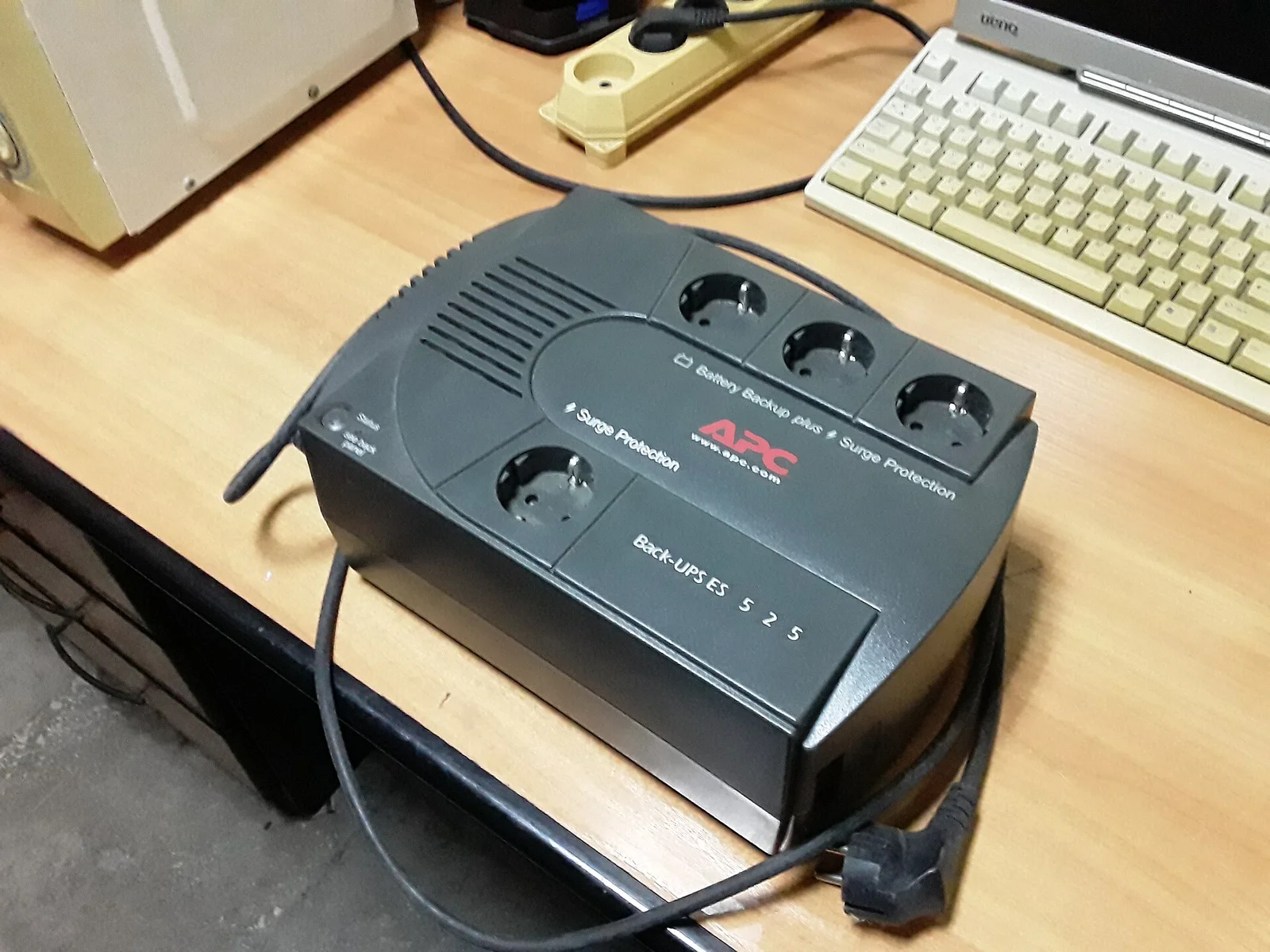
CyberPower’s ST425 is a standby UPS with a $64.95 MSRP, a 425 VA apparent-power rating and a 260 W real-power rating. Its published uses include home networking, routers and modems. Manufacturer runtime data provide two load points, which are more informative than interpreting “425” as a number of watt-hours.
| ST425 manufacturer figure | Published value | Meaning for a network purchase |
|---|---|---|
| MSRP | $64.95 | Hardware benchmark; confirm retailer price, tax and availability |
| Output rating | 425 VA / 260 W | Load limits, not stored energy |
| Full-load runtime | 1.5 minutes | Manufacturer result at the full rated load |
| Half-load runtime | 6 minutes | Manufacturer result at half the rated load |
| Outlet count | 8 NEMA 5-15R | Identify which sockets provide battery backup |
| Typical recharge time | 8 hours | Repeated outages can occur before full recharge |
| Warranty | 3 years | Review coverage; it is not a promise of battery runtime for that period |
Source note: CyberPower’s own ST425 product specifications and listed MSRP, October 2026. Load-point runtimes are manufacturer figures, not a router-runtime test. The selected seller’s total and battery condition can differ.
The ST425 page describes a simulated sine-wave output. Check that the connected equipment supports the selected UPS output and its power limits. For a network-only purchase, include the adapters and every powered component between the incoming service and the device using it, rather than assuming the router is the whole system.
The modem and fiber terminal can be the missing loads
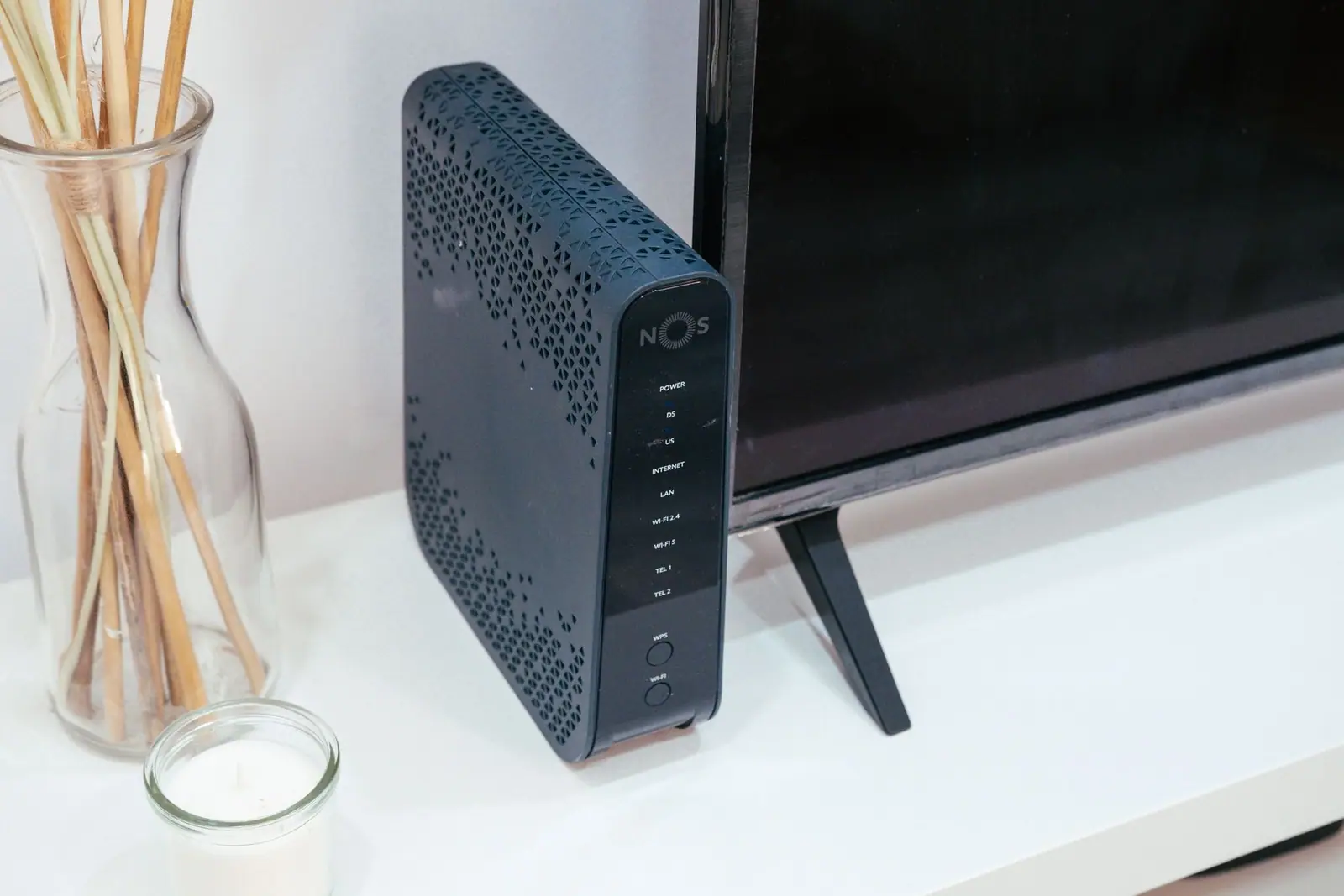
A cable connection may need a separate modem and router. A fiber connection may also need a powered optical network terminal. A mesh network can require additional nodes if the task depends on coverage away from the main router. Equipment left without power can break the connection even when the main Wi-Fi device remains on.
For a calculation example, a modem drawing 15 W, router drawing 10 W and terminal drawing 5 W total 30 W. Add an assumed 8 W mesh node and the example becomes 38 W. Those are hypothetical loads, not universal values for the devices. Replace them with measurements or manufacturer data for the equipment installed.
An adapter’s maximum rating is a capacity limit, not necessarily its continuing draw. A meter or a UPS load display can help establish an operating load within its measurement limits. Include the equipment in its normal configuration, since omitting an access point from the test can make the runtime look better than the network the household expects to use.
Keep a laptop’s battery and phone charge in the plan. A router UPS may preserve a connection while a desktop computer shuts down immediately. The whole outage budget keeps communications beside lighting, food and other household tasks.
VA and watts do not predict runtime by division
Dividing 425 VA by a 30 W example does not produce 14 hours of backup. VA is not battery energy, and the units do not support that calculation. Likewise, the 260 W rating shows how much load the UPS can supply, not how long it can supply it.
Manufacturer runtime curves or tests at the connected load are the right comparison. The ST425’s six-minute half-load figure cannot be scaled into a promised hour at a small networking load just by dividing watts. Conversion losses, battery behavior, battery condition and the manufacturer’s operating limits affect the result.
Schneider Electric’s UPS buying guide distinguishes capacity and runtime when selecting equipment. Use the target outage duration and household load to compare models. If the requirement is a long work session rather than a brief interruption, a manufacturer curve at the lower load matters more than buying the first product with a higher maximum output.
Measure runtime through the manufacturer’s supported test process before relying on the purchase. Keep the internet equipment configuration consistent, record the load and elapsed time, and allow for a margin rather than planning to exhaust the battery at the last second. Do not repeatedly deep-discharge equipment contrary to its instructions.
The provider’s network determines whether power backup helps
A UPS protects the household part of the connection. The internet provider’s neighborhood equipment and service still need to operate. A storm can leave the local router working but the upstream link unavailable. That outcome is different from a UPS that failed to power the router.
Look at what happens during brief ordinary outages or ask the provider about its service arrangement. If the connection consistently survives when household networking equipment has power, backup may support the desired task. If outages also disable the outside network, an independent communication route may add more than a larger UPS.
The family emergency plan should include a way to receive information when home internet fails. A mobile connection also has coverage, congestion, data and charging limits. Treat it as another route with its own requirements, rather than a guaranteed replacement during every storm.
For equipment using phone service over the home connection, ask the provider what backup arrangement that service requires. A general router UPS article cannot establish emergency-call availability for every provider’s phone or fiber product.
Ownership cost includes replacement and a realistic task
At the $64.95 MSRP, allocating the initial purchase over three years is $21.65 per year before electricity, batteries and replacement. That allocation is arithmetic, not an assumed three-year battery life. The manufacturer warranty and the battery’s eventual service needs are different questions.
The ST425 describes battery servicing by a technician. Include the maker’s service route in the comparison if the battery deteriorates. A low first price can lose its appeal if replacement is inconvenient or its tested runtime no longer supports the task. Avoid applying another model’s interchangeable battery advice to this unit.
Follow the UPS and connected equipment instructions for testing and servicing. Electrically powered medical equipment and other essential functions require their own plan with the responsible providers; keeping Wi-Fi on does not establish uninterrupted care or emergency-call service.
Buy a UPS when a supported, tested runtime helps a recurring task and the provider connection is likely to remain available. Prefer a wider backup or communication plan when the required duration or outside-network failure is the main problem. Revisit the test after changes in networking equipment or a noticeable reduction in runtime.
Questions people ask
What does an entry-level networking UPS cost?
CyberPower publishes a $64.95 MSRP for the ST425. Confirm the purchase total and compare its load ratings and runtime with the installed network.
Does 425 VA mean 425 watt-hours?
No. It is an apparent-power rating, not stored energy. A runtime curve or supported test at the connected load is needed.
How long will the ST425 run a router?
Its published figures are six minutes at half load and 1.5 minutes at full load. They do not establish runtime for a modem-router-terminal setup; measure the load and consult manufacturer runtime information.
Will a UPS keep the internet working during every outage?
No. It powers the household equipment connected to it, while upstream provider equipment and service can still fail.
Where these figures come from
- ST425 MSRP, load ratings and runtime specifications CyberPower · cyberpowersystems.com
- UPS selection by capacity and runtime Schneider Electric · se.com
- Household preparation for power outages Ready.gov · ready.gov
Figures last checked October 2026.