On this page
There are two ways somebody who is not you ends up watching your camera. One is the company that sells it. The other is anybody who gets into your account. Both have happened at scale, and both are documented by the Federal Trade Commission.
What the Ring case actually found
In 2023 the FTC brought a case against Ring over its privacy and security practices. Ring agreed to pay $5.8 million and to run a security and privacy programme with regular assessments for 20 years.
The two failures in that case are the two failures to think about with any camera:
- Access from inside the company. The FTC described overbroad access, with employees and contractors able to view, download and share customers’ videos, including from cameras in bedrooms.
- Access from outside. Hackers exploited account weaknesses to reach stored videos, live streams and account profiles of approximately 55,000 US customers, in some cases using the cameras’ two-way audio to harass the people in the room.
The order required stringent controls, including multi-factor authentication for both employee and customer accounts, and the deletion of data products derived from videos that had been improperly reviewed.
You cannot audit a manufacturer’s internal access. You can make the outside route much harder.
The checklist that closes the common holes
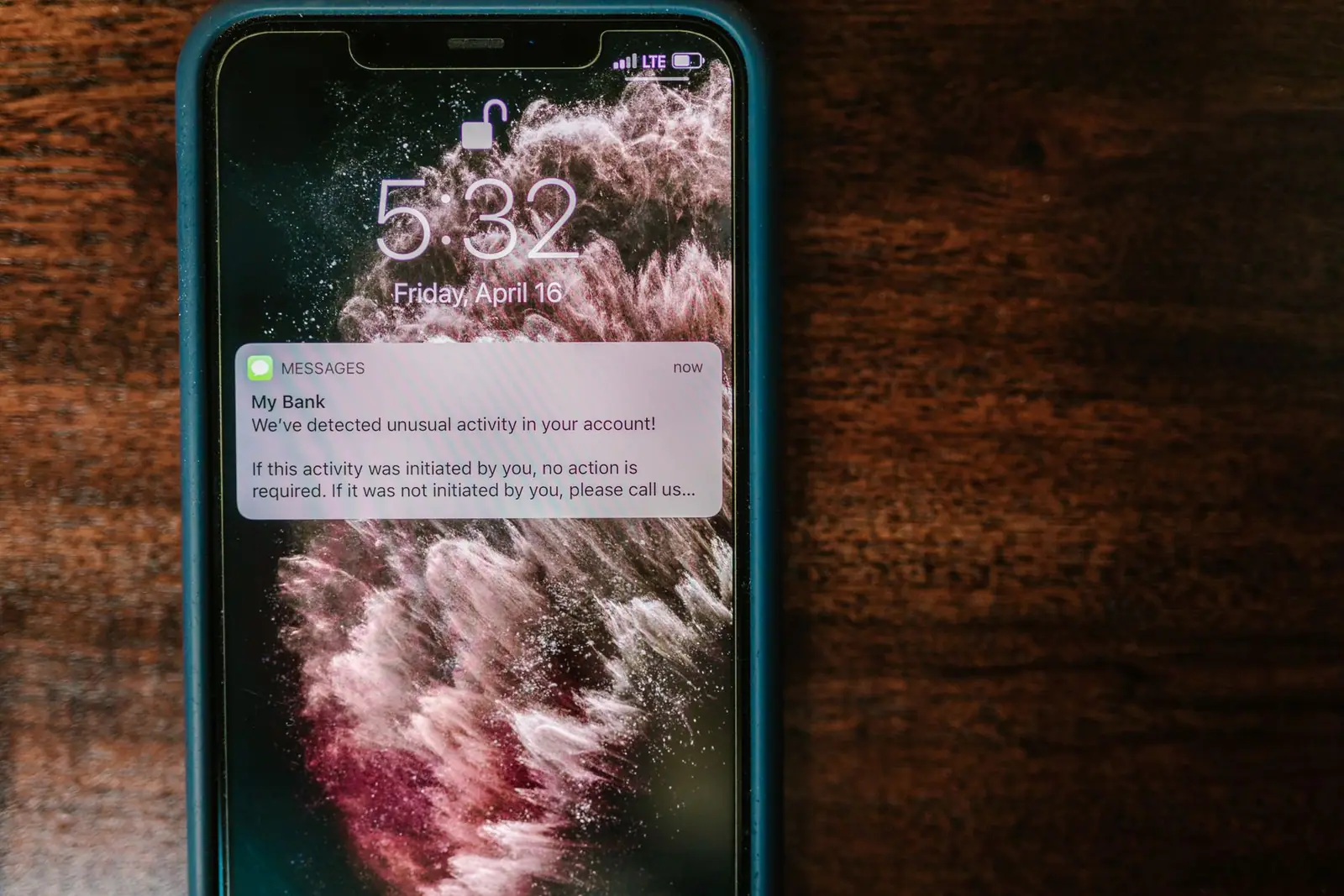
- Multi-factor authentication on the camera account. An app-based code or a security key, not SMS if you can avoid it.
- Multi-factor authentication on the email account that can reset the camera password. Securing the camera and leaving the mailbox open protects nothing.
- A unique password. Camera accounts are a favourite target for credential stuffing, which is simply trying passwords leaked from other sites.
- Review shared users. Every app has a list of who has access. Read it. Old partners, previous housemates, a contractor you added once.
- Update the firmware, and turn on automatic updates if offered.
- Change the router’s admin password and keep its firmware current. The FTC’s guidance on internet-connected devices at home starts here for a reason.
- Put cameras on a guest or IoT network if your router supports one, so a compromised device cannot see your computers.
- Turn off what you do not use: two-way audio on an outdoor camera, cloud sharing features, neighbourhood feeds.
What the company does with the video
Read two things in the privacy policy, and they are short sections:
- Retention. How long video is kept after you delete it, and whether deleting in the app deletes it on the server.
- Human review. Whether, and under what conditions, staff or contractors can view recordings, including for product improvement or support.
Then check the account settings for anything that shares video beyond you: neighbourhood feeds, public posts, marketing consents, and features that let footage be requested by others.
If you are buying a used camera or inheriting one with a house, factory reset it before use and create a new account. A previous owner’s account linked to a camera in your hallway is exactly the situation nobody discovers until it is embarrassing.
The security label that is not here yet
You will read advice to look for the US Cyber Trust Mark when buying smart devices. The programme is real: the FCC voted in March 2024 to create a voluntary cybersecurity labelling programme for wireless consumer Internet of Things products, with a logo and a QR code leading to details such as the product’s support period and whether updates are automatic.
As of 2026 it is not yet a shopping tool. The programme lost and then replaced its lead administrator, and it has not opened for product applications, so there are no labelled products on shelves to look for. It is worth knowing about for the future, and worth ignoring in today’s purchase.
In the meantime, the questions the label is meant to answer are ones you can ask yourself: how long will this model receive security updates, are those updates automatic, and does the manufacturer publish a support period at all?
The uncomfortable one
The camera pointed at your own front door records your household more than anybody else’s. Everyone who lives there, every visitor, every delivery, every argument on the doorstep. Before adding indoor cameras especially, agree in the household what is recorded, who can watch it, and when it is off. That conversation prevents more problems than any setting.
Related reading: Where Cameras Belong, and Where They Waste Money and The Camera Is Cheap, the Storage Is Not.
Questions people ask
Can security camera companies watch my footage?
It depends on the company and its controls, which is why the FTC's 2023 case against Ring matters: it described employees and contractors with overbroad access to customer videos. Read the privacy policy sections on retention and human review, and assume anything uploaded can in principle be seen.
How do I stop my camera being hacked?
Use a unique password, turn on multi-factor authentication for both the camera account and the email behind it, review who else has access in the app, keep firmware updated, and secure the router. Account takeover, not clever hacking of the camera itself, is the usual route.
Should I look for the US Cyber Trust Mark when buying?
Not yet. The FCC created the voluntary labelling programme in March 2024, but as of 2026 it has not opened for product applications, so no products carry the mark. Ask instead how long the model gets security updates and whether they are automatic.
Are cameras on my home Wi-Fi a risk to my computers?
They can be. Putting cameras and other smart devices on a separate guest or IoT network, where the router supports it, limits what a compromised device can reach. Changing the router's default admin password and updating its firmware are the first steps.
Where these figures come from
- FTC Says Ring Employees Illegally Surveilled Customers, Failed to Stop Hackers from Taking Control of Users' Cameras Federal Trade Commission · ftc.gov
- Ring, LLC, case documents Federal Trade Commission · ftc.gov
- FCC Creates Voluntary Cybersecurity Labeling Program for Smart Products Federal Communications Commission · docs.fcc.gov
- Securing Your Internet-Connected Devices at Home Federal Trade Commission · consumer.ftc.gov
Figures last checked September 2026.